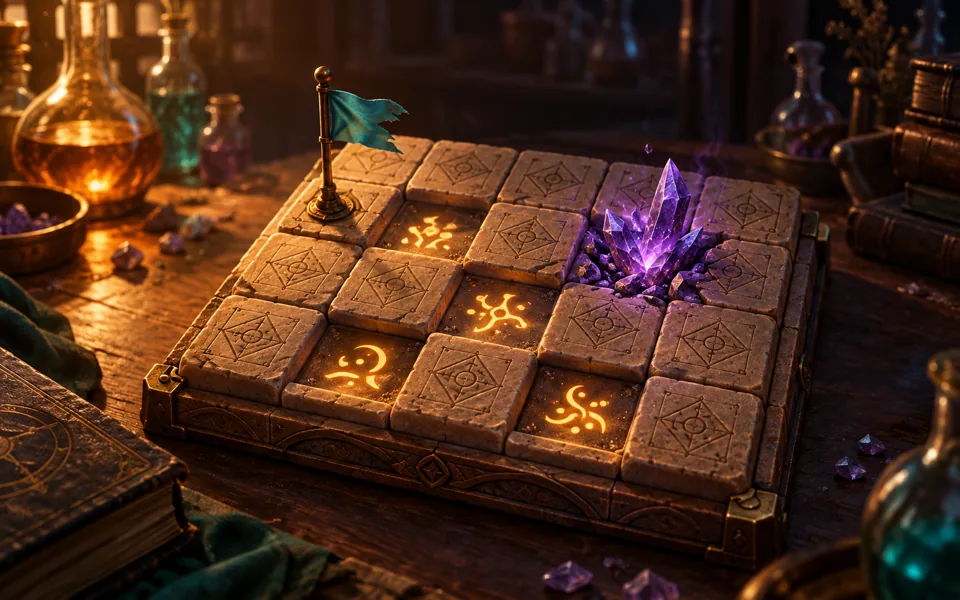
Choose Beginner, Intermediate or Expert and reveal a tile. Your first reveal and all eight of its neighbors are safe. There is no countdown and no account to create.
Play classic Minesweeper online with an alchemy twist. Use number clues to clear safe tiles, flag corrupted crystals and master three difficulty levels.
How to play
Reveal tiles until every cell without a mine is open. A corrupted crystal is a mine: opening one ends the round.
Each number counts mines in the eight surrounding cells, including diagonals. Blank cells have no adjacent mines and automatically open connected blank areas and their numbered edges.
Flag a hidden cell when you believe it contains a mine. Flags do not prove a cell is a mine and are not required to win. The counter is total mines minus the flags you placed; too many flags make it negative.
Double-click an open number when exactly that many neighboring cells are flagged. This chord opens its remaining unflagged neighbors. A wrong flag can make the chord hit a mine.
Beginner has 9 columns and 9 rows with 10 mines. Intermediate is 16×16 with 40. Expert is 30 columns by 16 rows with 99. Mines are randomly placed after the first reveal; later moves are not guaranteed to be solvable without guessing.
Play again creates a new random field at the same difficulty. Switching difficulty or pressing New game replaces the current board. Unfinished boards are not restored after leaving or reloading.
Controls
Mouse
Left-click to reveal, right-click to toggle a flag and double-click a revealed number to chord.
Touch
Tap to reveal, hold a tile to flag, or turn on Flag mode and tap. Swipe sideways to explore a wide board; a swipe cancels a long press.
Keyboard
Arrow keys move focus. Enter or Space selects using the current reveal or flag mode. F toggles a flag; C chords an open number.
Score and progress
The timer starts on the first reveal, pauses with Pause or when the tab is hidden, and stops when you win or lose. There is no time limit. Your wins, games started and best winning time are saved separately for each difficulty on this browser when local storage is available.
Tips
Start on Beginner and look at the boundary between revealed numbers and hidden tiles. A 1 with just one hidden neighbor identifies a mine.
If the flags around a number already account for all of its mines, its other neighbors are safe only if those flags are correct.
If a clue needs two more mines and touches only two unflagged hidden cells, both must be mines. Compare overlapping clues before guessing.
Do not treat a flag as evidence. An incorrect early flag can make a later chord lose the game, even when the flag count matches.
When no forced move remains, consider risk rather than assuming every board has a logical next step. The solver can distinguish proven safe cells from probabilities.
Stuck on a board? Copy its visible numbers and flags into the Minesweeper Solver to identify forced safe cells, locate mines or compare probabilities. The solver uses only the clues you enter; it cannot guarantee a safe guess.
Questions before you play
How do you play Minesweeper?
Reveal every cell that does not contain a mine. A number tells you how many of its eight neighbors contain mines. Flag likely mines, then use the clues to open safe cells.
Is the first click safe?
Yes. The first cell you reveal and all of its neighbors are protected. Mines are placed only after that reveal. Later moves may still require a guess.
What are the three Minesweeper difficulties?
Beginner is 9 by 9 with 10 mines, Intermediate is 16 by 16 with 40 mines, and Expert is 30 columns by 16 rows with 99 mines.
Can I play Minesweeper on my phone?
Yes. Tap to reveal, hold a tile to flag it, or enable Flag mode. Wide boards scroll sideways. No account or download is required.
Does this Minesweeper save my board?
Your wins and best times are saved on this browser when storage is available. An unfinished board is not saved when you leave or reload.
A water-sort-style puzzle with layered potions. Pour between flasks until each holds one color. Choose a two-minute challenge or relaxed play with no timer.
A sliding block puzzle where you mix the colors: slide potion blocks out through gates of their own color, and brew red, blue and yellow into purple, green and orange to fit the gates you have.